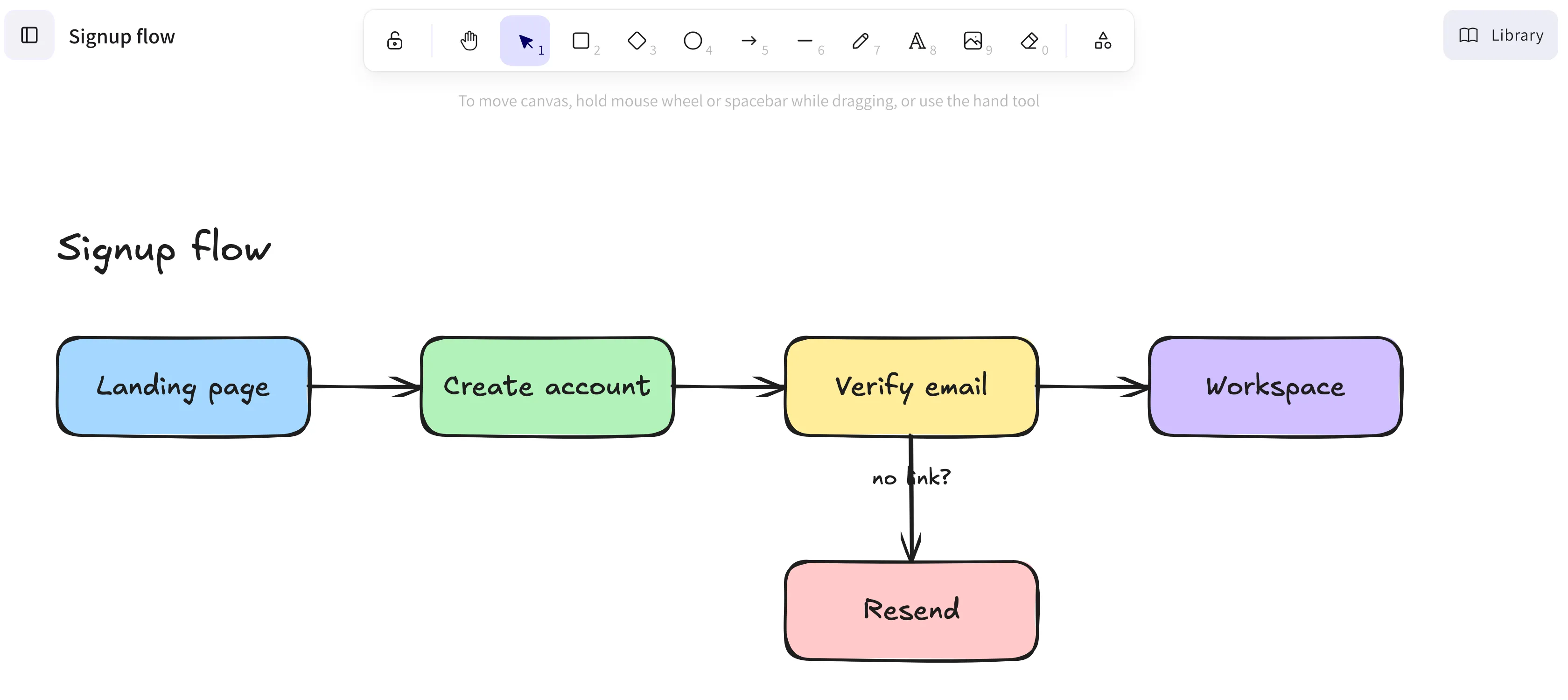
The editor you already know
The full Excalidraw canvas. Every stroke saves on its own, and images you paste are stored with the drawing.
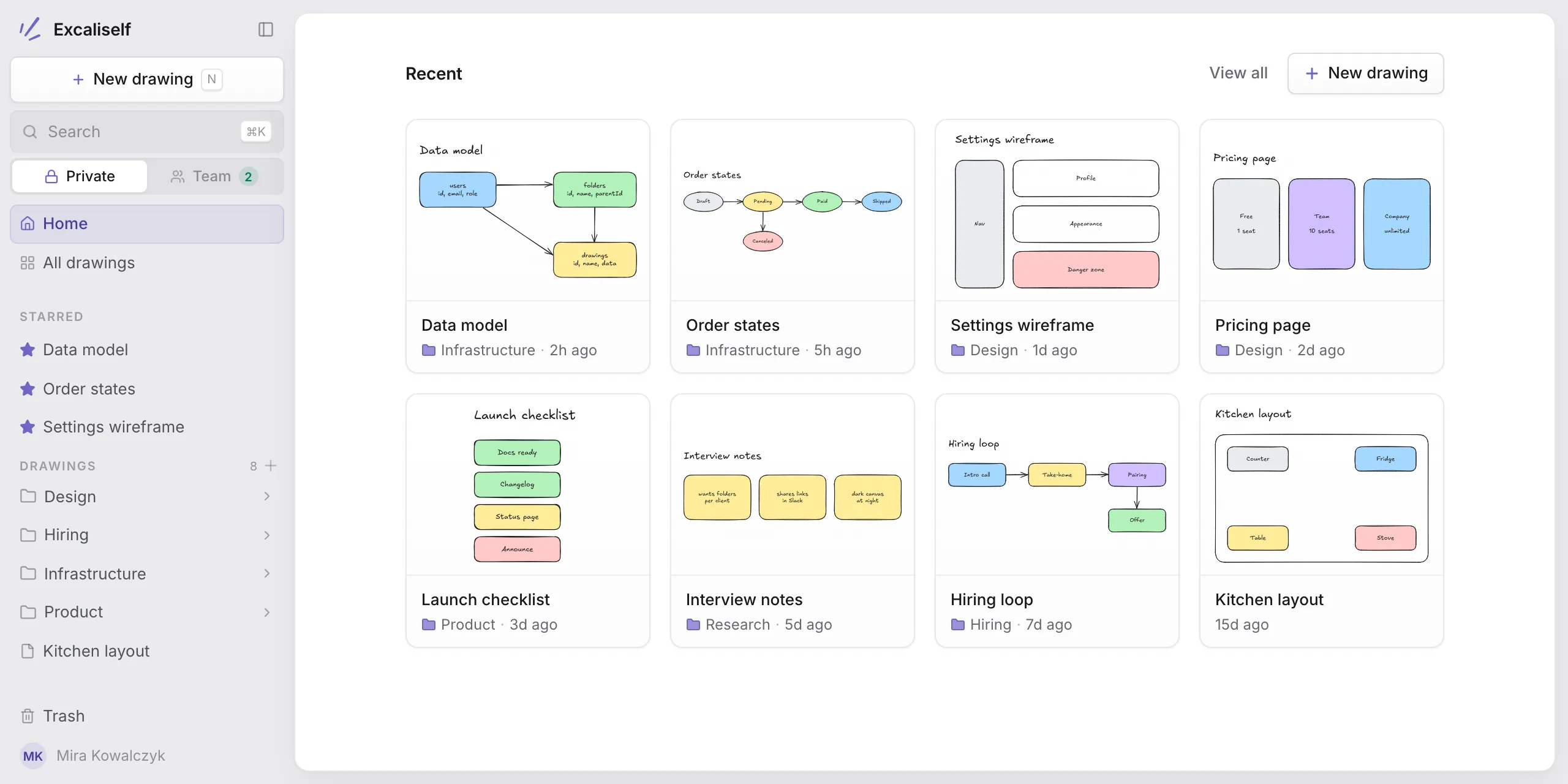
Excaliself is self-hosted Excalidraw: the full canvas, plus a shared Team space, live collaboration, folders, and search. Every drawing lives in your own Postgres.
Excalidraw stays untouched. Excaliself adds the parts a team needs to keep drawings for years.
The full Excalidraw canvas. Every stroke saves on its own, and images you paste are stored with the drawing.
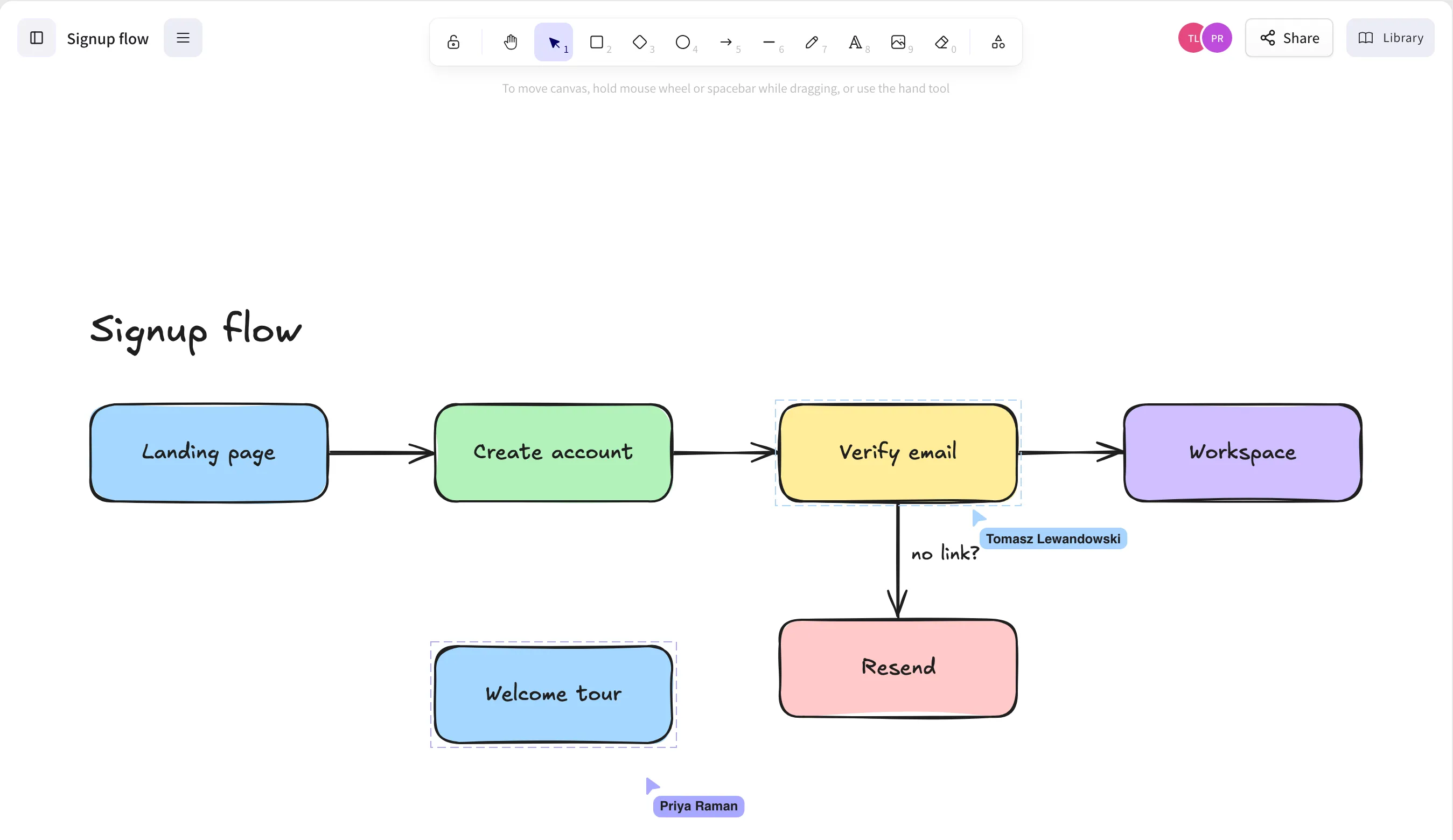
Open the same drawing and see everyone's cursors and edits as they happen. Send a share link to someone outside the team, and they can draw with you without an account.
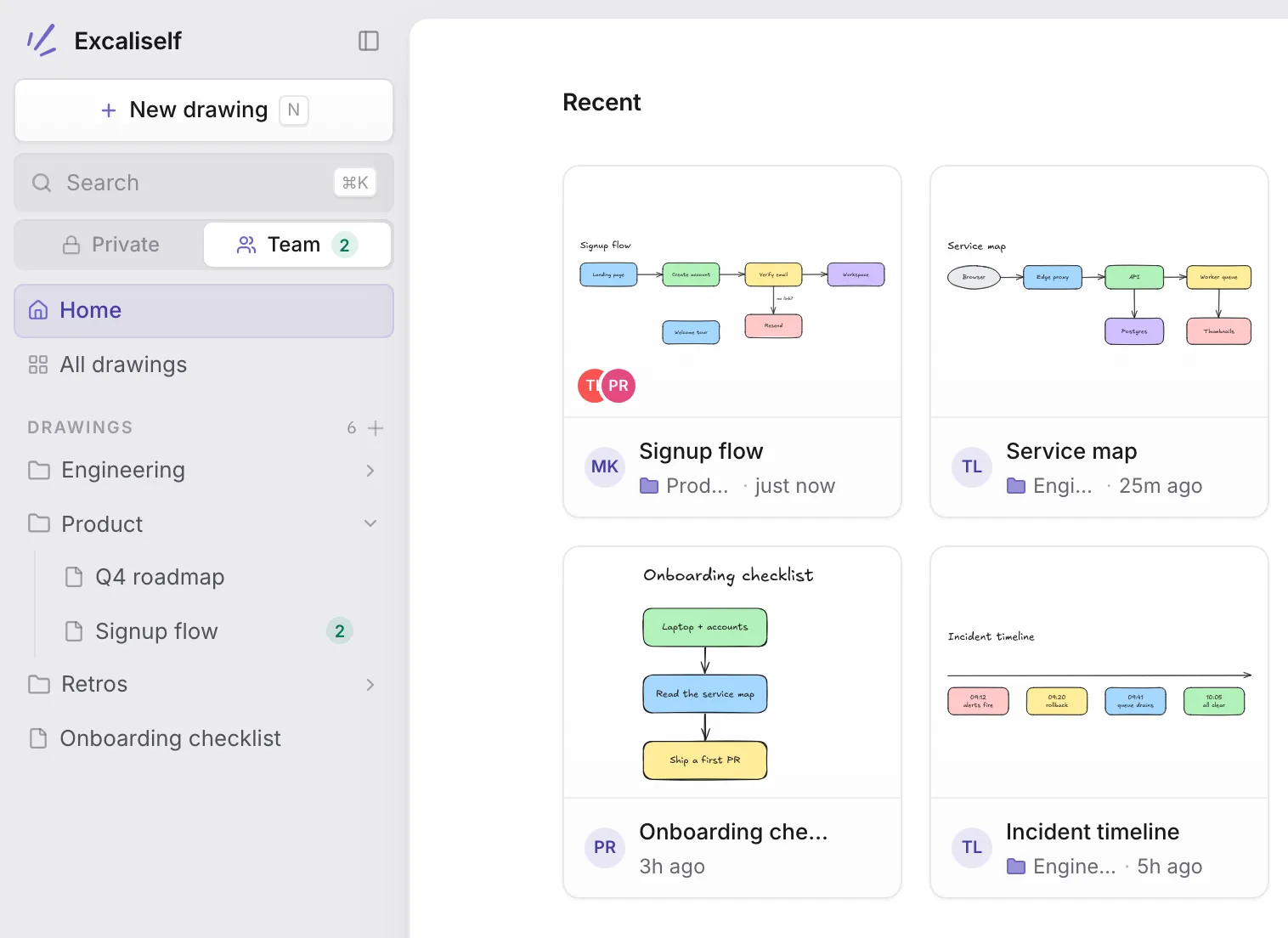
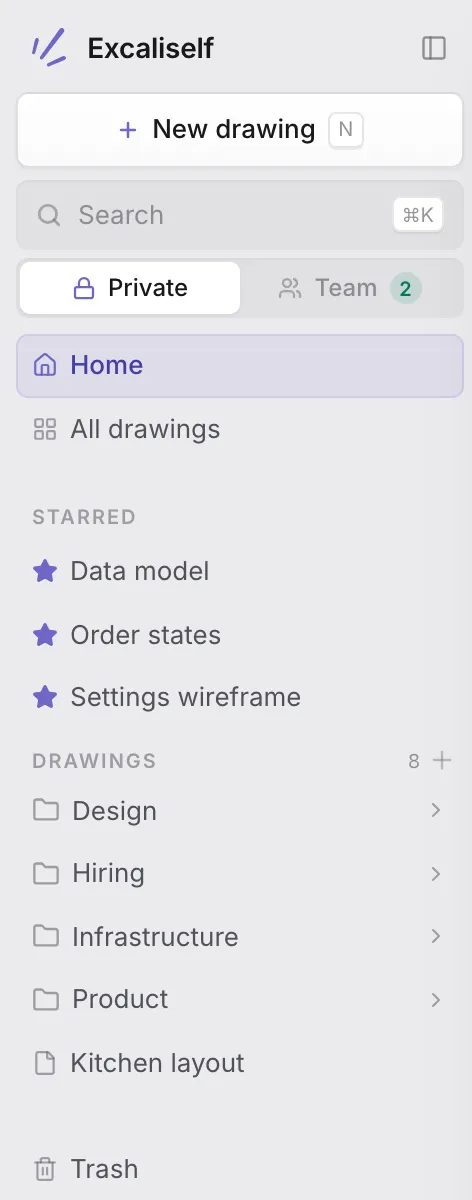
A Private | Team switch in the sidebar. Team folders and drawings belong to everyone, and a badge shows who is in each drawing right now. Move a private drawing over when it is ready.
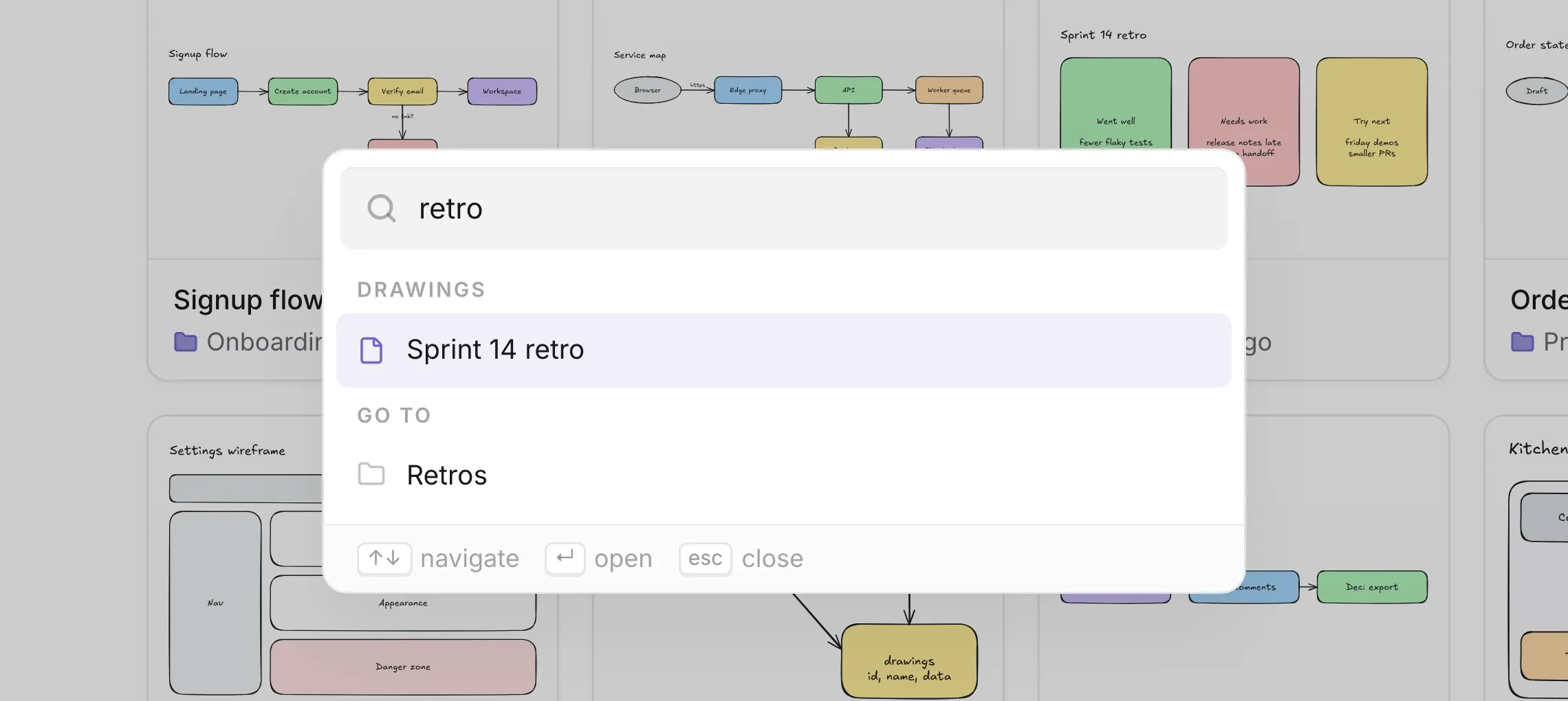
Fuzzy search over drawings, folders, and actions. Type a few letters, press enter, and keep your hands on the keyboard.
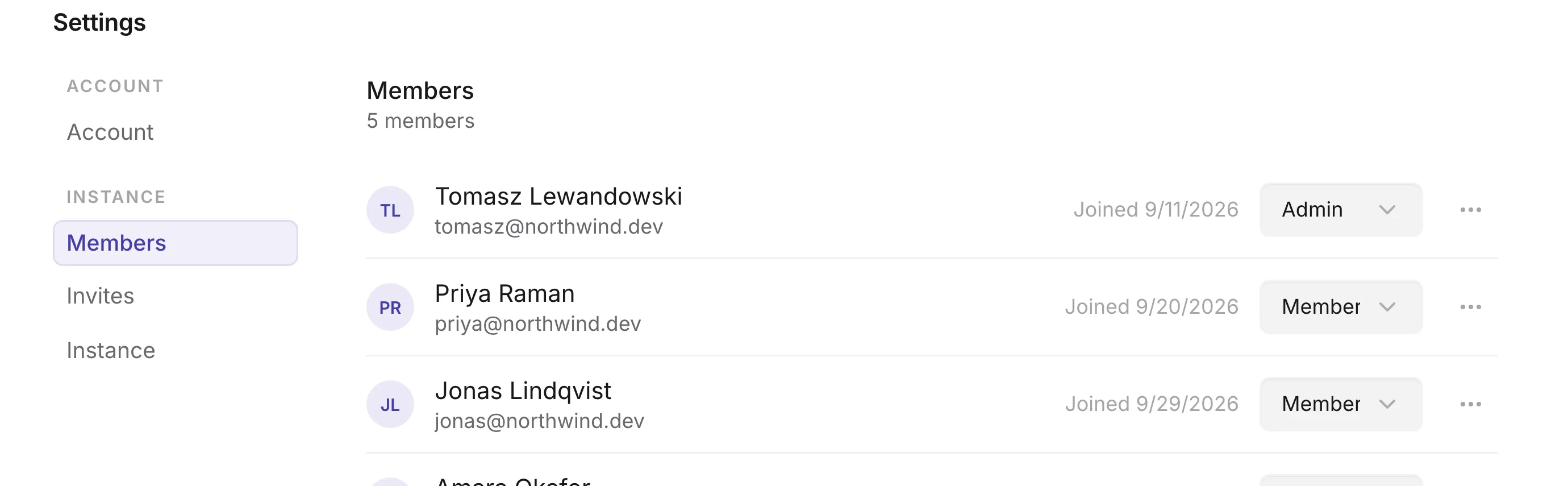
The first visitor becomes the admin. Everyone else joins through a single use invite link. Admins manage roles and password resets from Settings.
Excalidraw is the canvas. Excaliself gives every drawing a home on your server.
so they open on any laptop, for anyone on the team
It starts the prebuilt app image and a Postgres container, on amd64 and arm64. Migrations apply on start, so an update is a redeploy.
The compose file and an example env file, straight from the repository.
A Postgres password, a session secret, and your public URL.
The first visit creates the admin account. Share invite links from Settings.
$ mkdir excaliself && cd excaliself$ curl -fsSLO https://raw.githubusercontent.com/maciekzygmunt/excaliself/main/docker-compose.yaml$ curl -fsSL -o .env https://raw.githubusercontent.com/maciekzygmunt/excaliself/main/.env.example# set POSTGRES_PASSWORD, BETTER_AUTH_SECRET, and BASE_URL in .env$ docker compose up -dAnything missing? Open an issue and it gets answered there.
No. Excaliself embeds the official Excalidraw editor package unchanged and adds accounts, folders, search, and trash around it. Editor updates arrive with each release.
A server with Docker. The compose file starts the app and a Postgres database together. The prebuilt image runs on amd64 and arm64 and needs no build step.
In your own Postgres database, including pasted images. Back up the pgdata volume and you have everything. Nothing is sent to a third party.
Pull the new image and start it again. Database migrations run when the app starts. Pin a release with EXCALISELF_VERSION or follow latest.
Yes. Add the repository as a Docker Compose resource, point it at docker-compose.coolify.yaml, and click Deploy. Coolify creates the database, the secrets, and a domain.
The first visitor creates the admin account. Admins send invite links from Settings and can manage members, roles, and password resets there.
Yes. Everyone in a drawing sees the cursors and edits of the others as they happen. Team drawings are always live, and a share link lets people without an account join a drawing.
Nothing. Excaliself is open source under the MIT license. You pay only for the server you run it on. If it saves your team time, you can sponsor it.
Excaliself is MIT licensed and has no paid plan. Sponsorships on GitHub pay for the hours that go into fixes, updates, and new features like the Team space.
Sponsor on GitHubNo third party accounts, no telemetry, no lock in. Stop the container and your drawings are still in your Postgres.